 Star
Star Documentation
Telegram
Connect a Telegram bot in a minute — create it with @BotFather, paste the token, and Ganju registers the webhook for you.
Telegram is the quickest channel to set up. You create a bot with Telegram’s own @BotFather, copy the token it gives you, and paste it into Ganju — that’s it. Ganju registers the webhook and your slash commands automatically.
1. Create a bot with BotFather
- Open Telegram and search for @BotFather (the verified account with the blue checkmark).
- Start a chat and send
/newbot. - Enter a display name for your bot (anything you like).
- Enter a username — it must be unique and end in
bot(e.g.acme_support_bot). - BotFather replies with your bot token — a long string like
123456789:AA.... Copy it.
Treat the token like a password. If it leaks, revoke it in BotFather via
/mybots → your bot → API Token → Revoke current token, then reconnect the
channel with the new one.
2. Connect it in Ganju
In your project, open Channels → Add channel, pick Telegram, choose a language model (or leave System default), paste the token into Bot token, and select Connect.
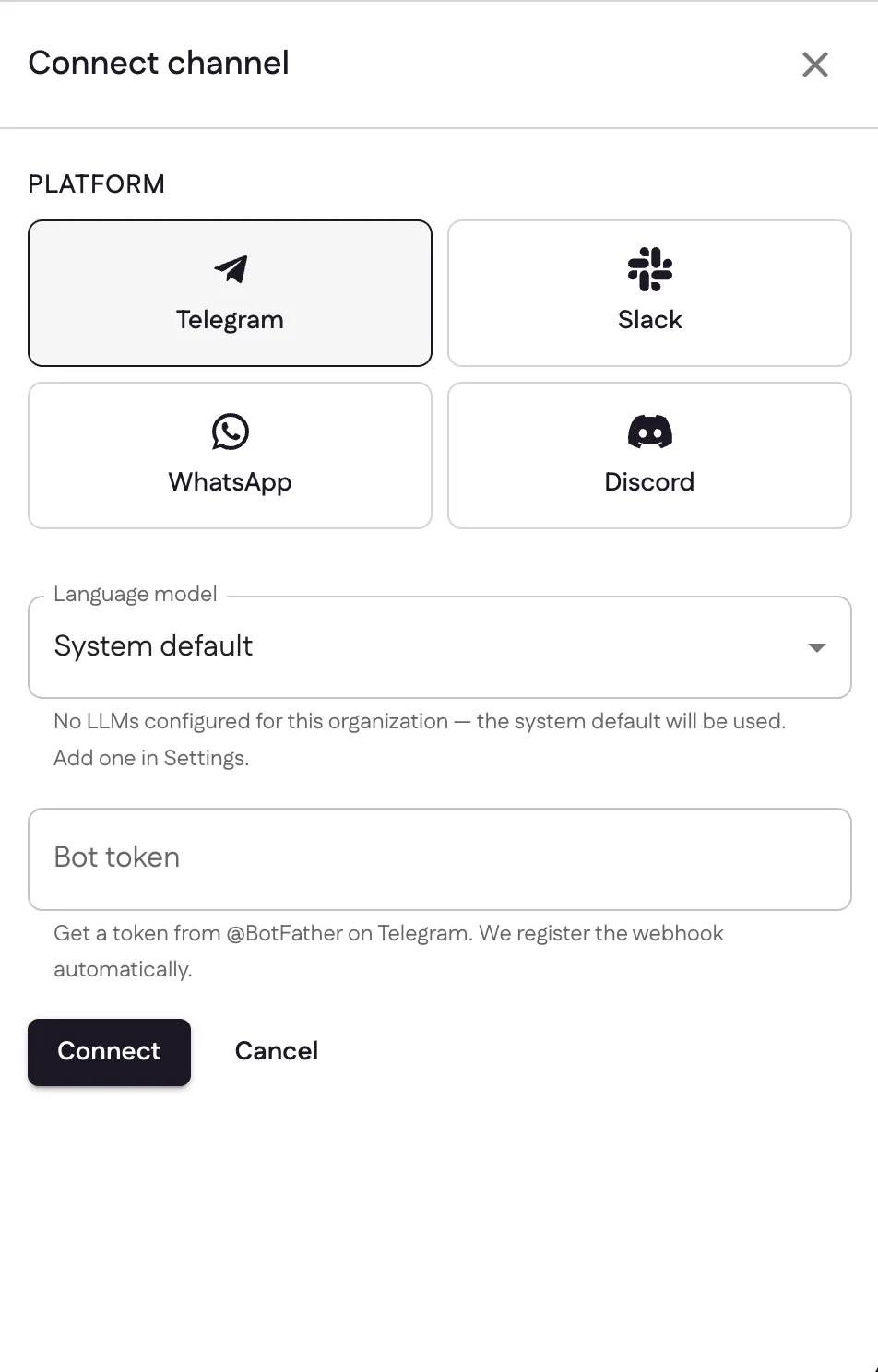
Ganju calls Telegram’s setWebhook for you and registers your prompts as bot
commands — no callback URL to configure. The channel goes Active immediately.
3. Chat with it
Open your bot in Telegram (via the t.me/<username> link BotFather gave you), send
/start or a message, and it replies using your prompts, resources, and tools.
Sources: From BotFather to ‘Hello World’ (Telegram), Telegram Bot API
Last updated