 Star
Star Documentation
Create an organization & project
Set up your team and your first workspace.
Your organization represents your team or company — it’s where members, billing, and projects live. Inside it, each project is a self-contained workspace for one assistant, with its own prompts, resources, tools, and channels.
Create your organization
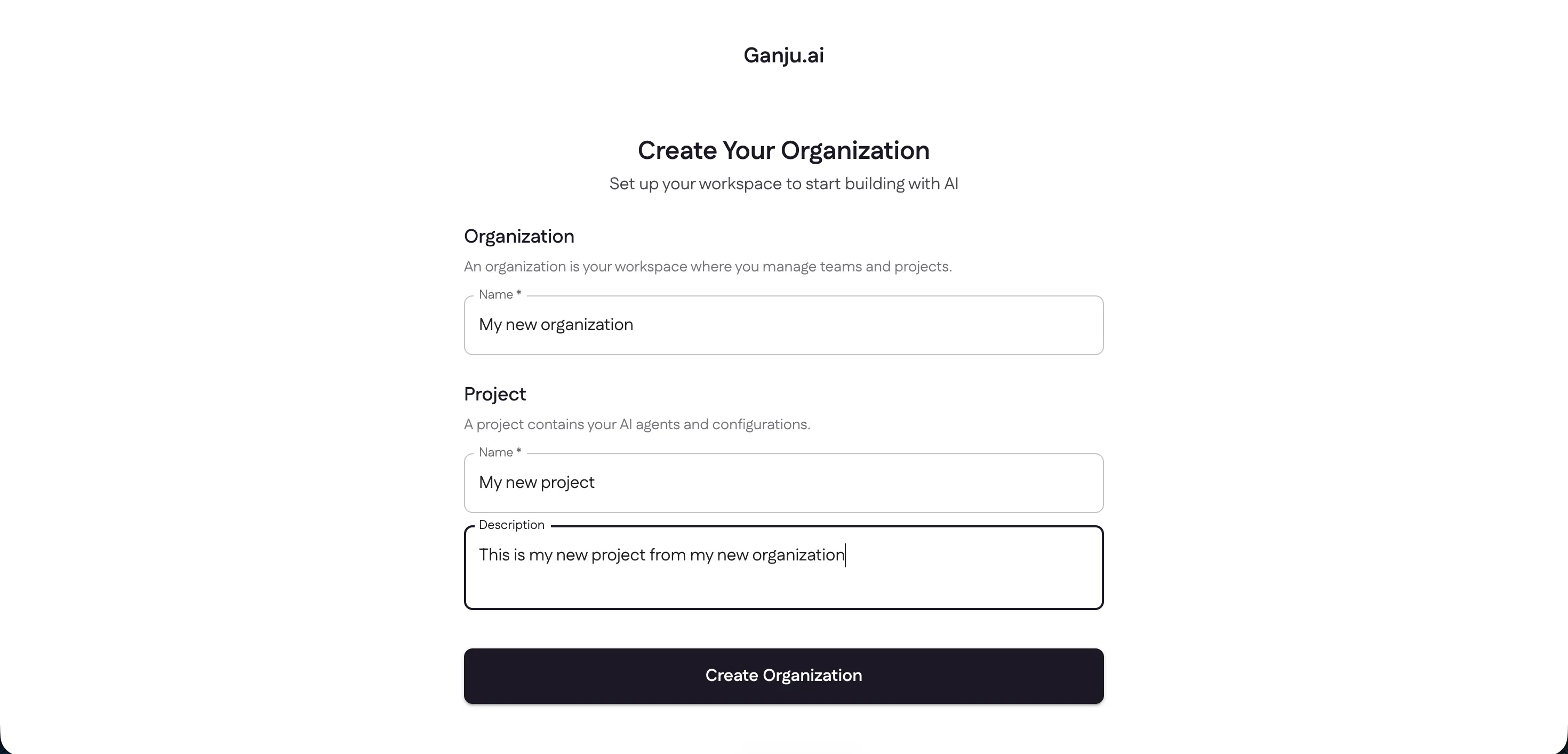
The first time you sign in, Ganju asks you to set up an organization and its first project together. Name your organization, give your project a name and a short description, then select Create Organization.
Your project dashboard
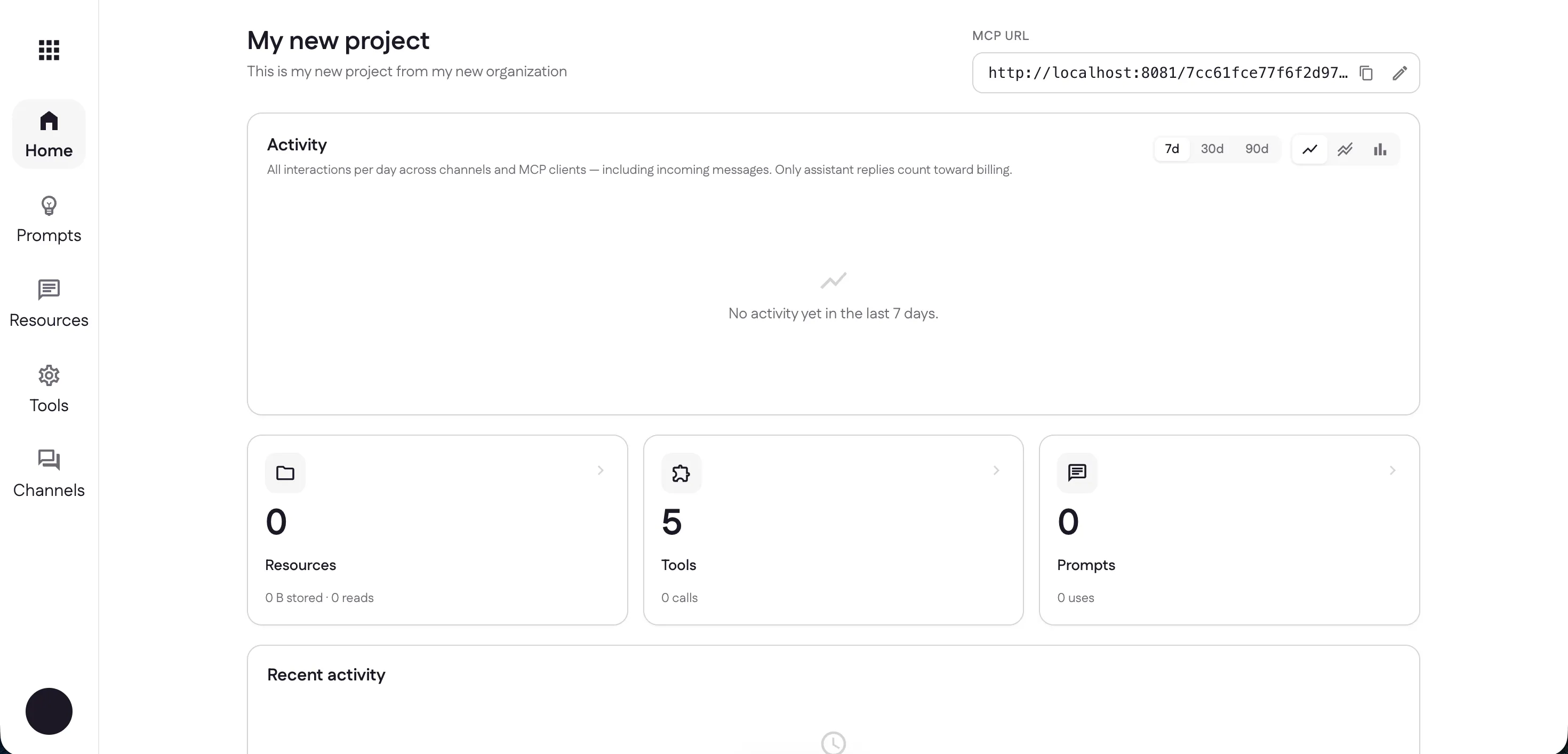
You’ll land on the project’s home. This is where you’ll find its MCP URL (the address AI clients connect to), an activity chart, and quick cards for Resources, Tools, and Prompts.
Built-in tools
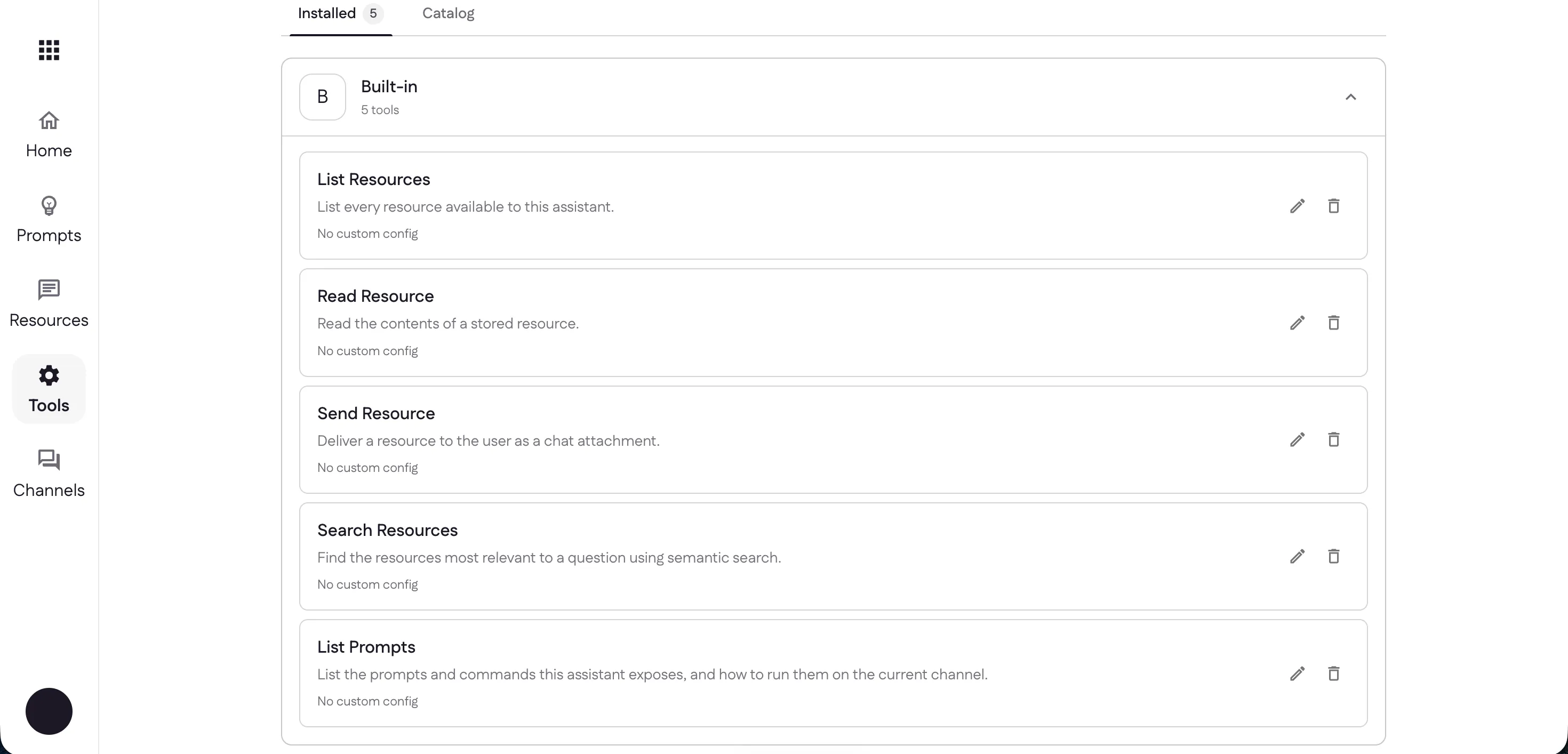
Every project starts with five built-in tools already installed — List Resources, Read Resource, Send Resource, Search Resources, and List Prompts — so your assistant can work with your content right away. That’s the 5 you see on the Tools card. You can add more anytime from the tools catalog.
Invite teammates from your organization settings and assign their roles so the right people can help you manage the project.
Next: add prompts to shape how your assistant behaves.
Last updated