 Star
Star Documentation
Tools
Switch on the actions your AI can take — built-in helpers plus integrations like Gmail, Slack, and Calendar.
Tools are the actions your assistant can take on your behalf — from built-in resource helpers to integrations like Gmail, Slack, and Google Calendar. The Tools page has two tabs: Installed (what’s live on this assistant) and Catalog (everything you can add).
Want the full picture? This is the quick version. The complete Tools guide documents every integration — Gmail, Outlook, Slack, calendars, web search, GitHub, Notion, and your own HTTP endpoints — tool by tool.
Built-in tools
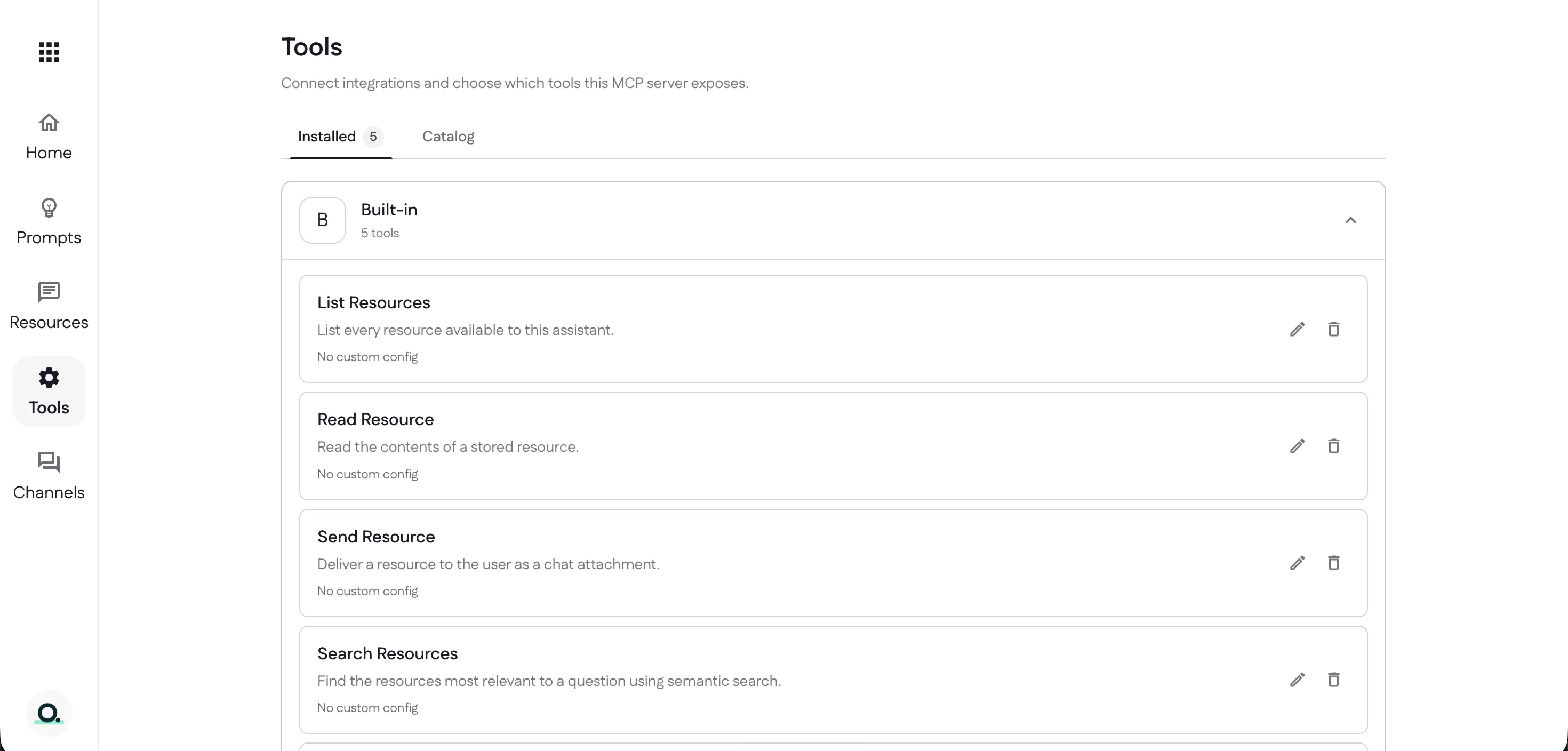
Every project starts with five built-in tools already installed — List Resources, Read Resource, Send Resource, Search Resources, and List Prompts — so your assistant can work with your content right away.
Browse the catalog
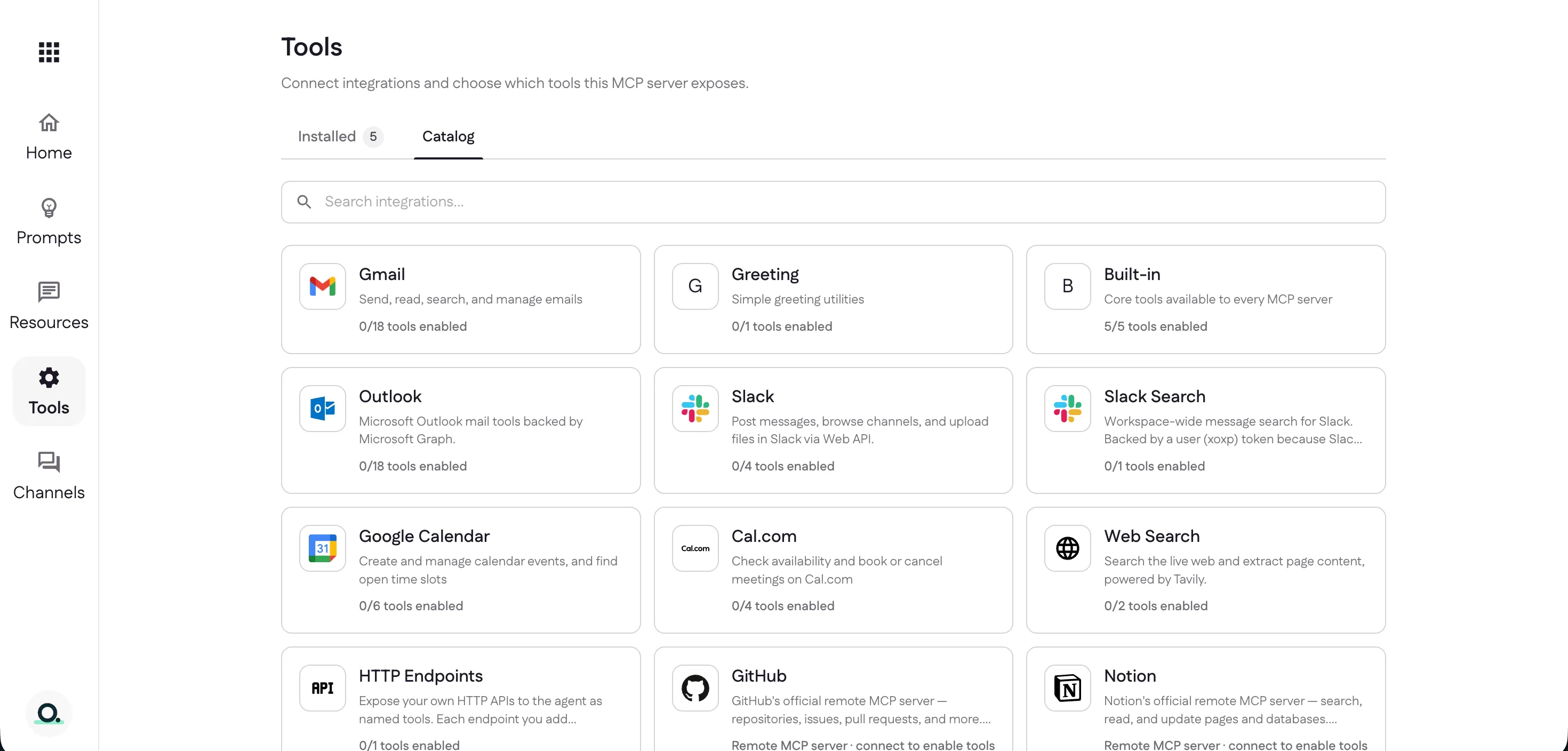
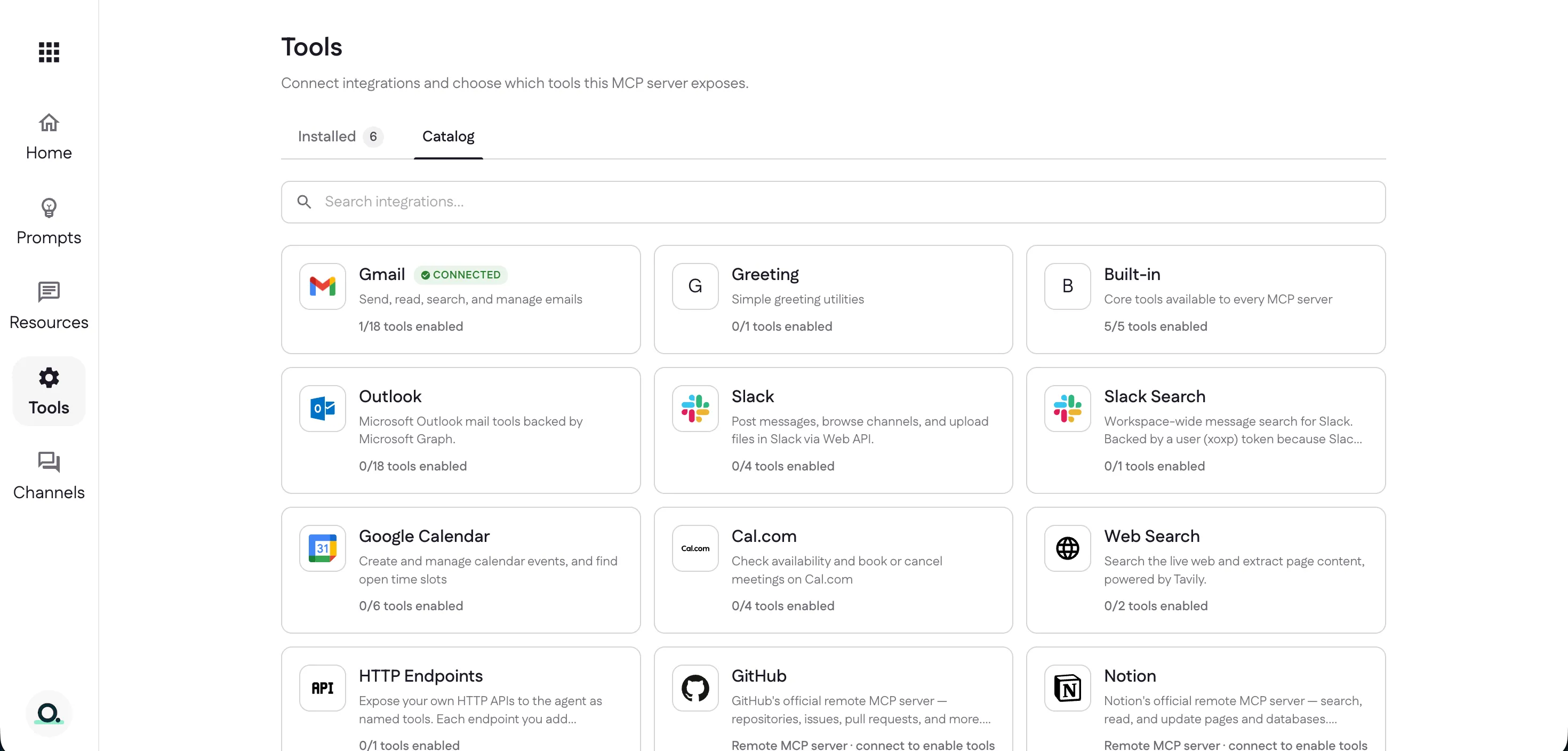
The Catalog lists every integration you can add — Gmail, Outlook, Slack, Google Calendar, Cal.com, Web Search, GitHub, Notion, your own HTTP endpoints, and more. Each card shows how many of its tools you’ve enabled (Gmail alone offers 18).
Connect an integration
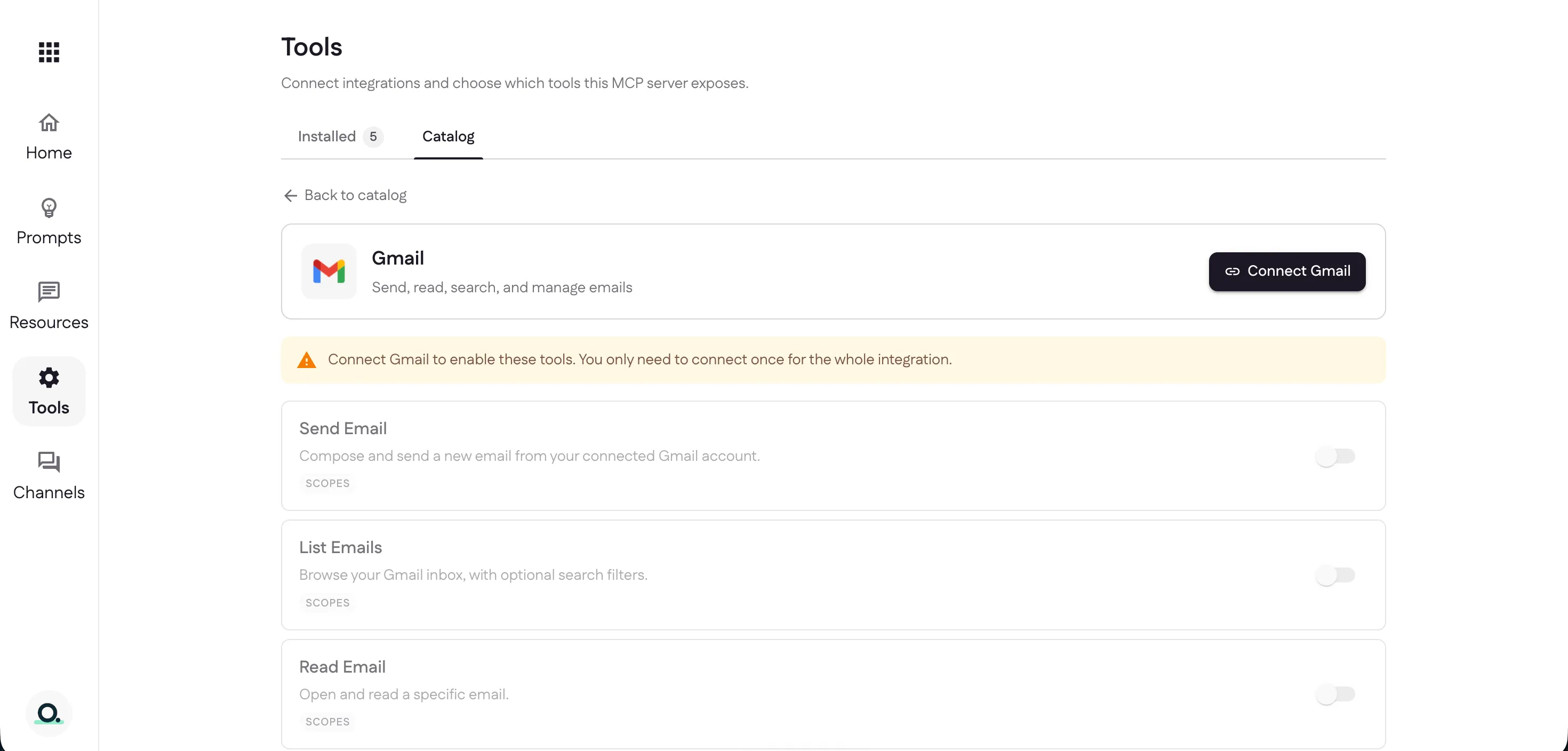
Open an integration to see the tools it offers. Most need a one-time connection — select Connect Gmail (you only connect once for the whole integration), then turn on just the tools you want.
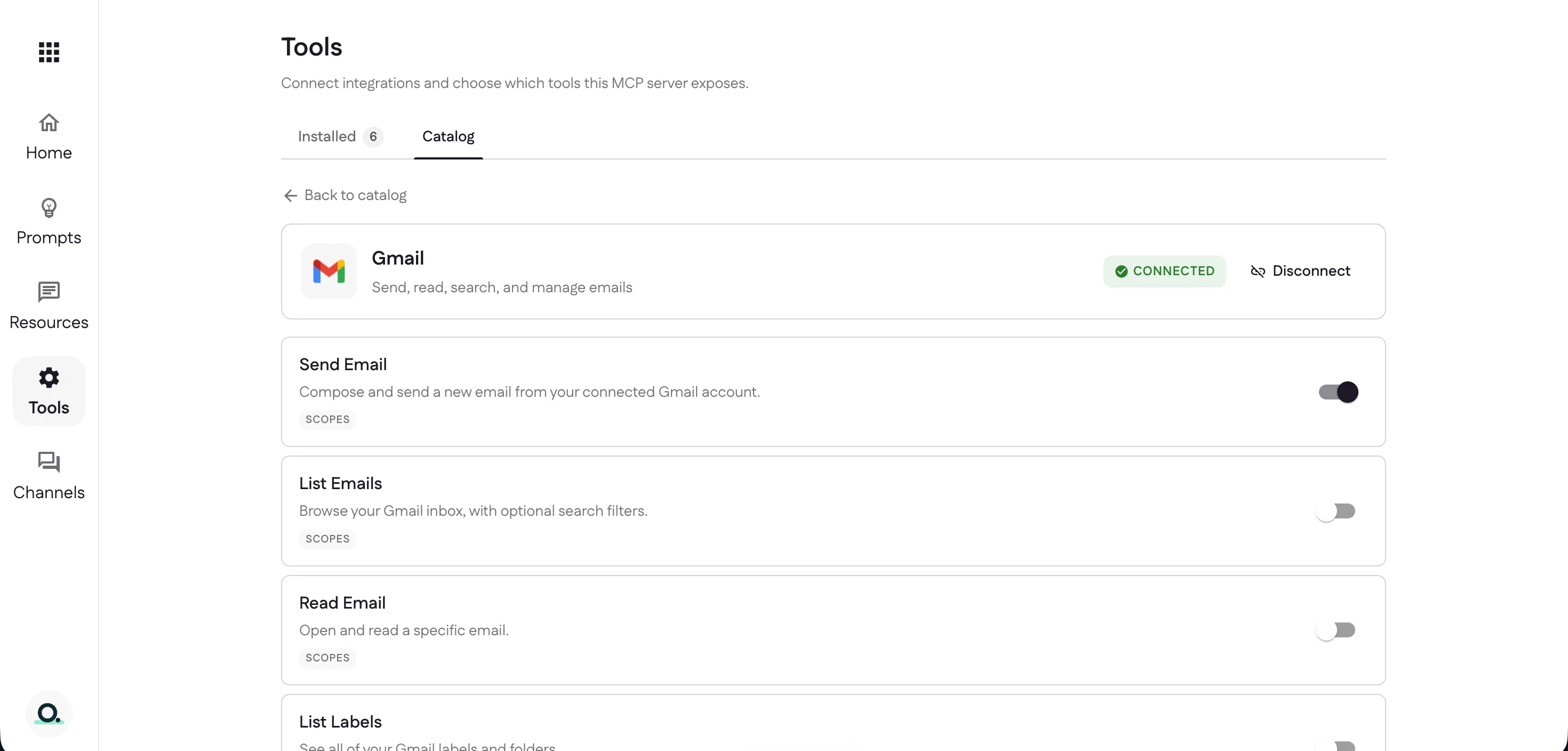
Once connected, flip on the individual tools you need — here, Send Email. Each tool you enable joins your Installed list; Disconnect removes the whole integration.
Back in the catalog, Gmail now shows Connected with your enabled count
(1/18), and the Installed total goes up.
Next: decide where people use it — set up channels.
Last updated