 Star
Star Documentation
Settings
Manage your organization, plan, members, models, and more from one place.
Settings is your organization’s control room. A left sub-nav jumps between each area — Organization, Billing & plan, Members, Projects, Models, and the Danger zone.
Want the full picture? This is the quick version. The complete Settings guide explains how the Free, Pro, and Enterprise plans really work, billing and overage, members, and bringing your own model.
Organization & billing
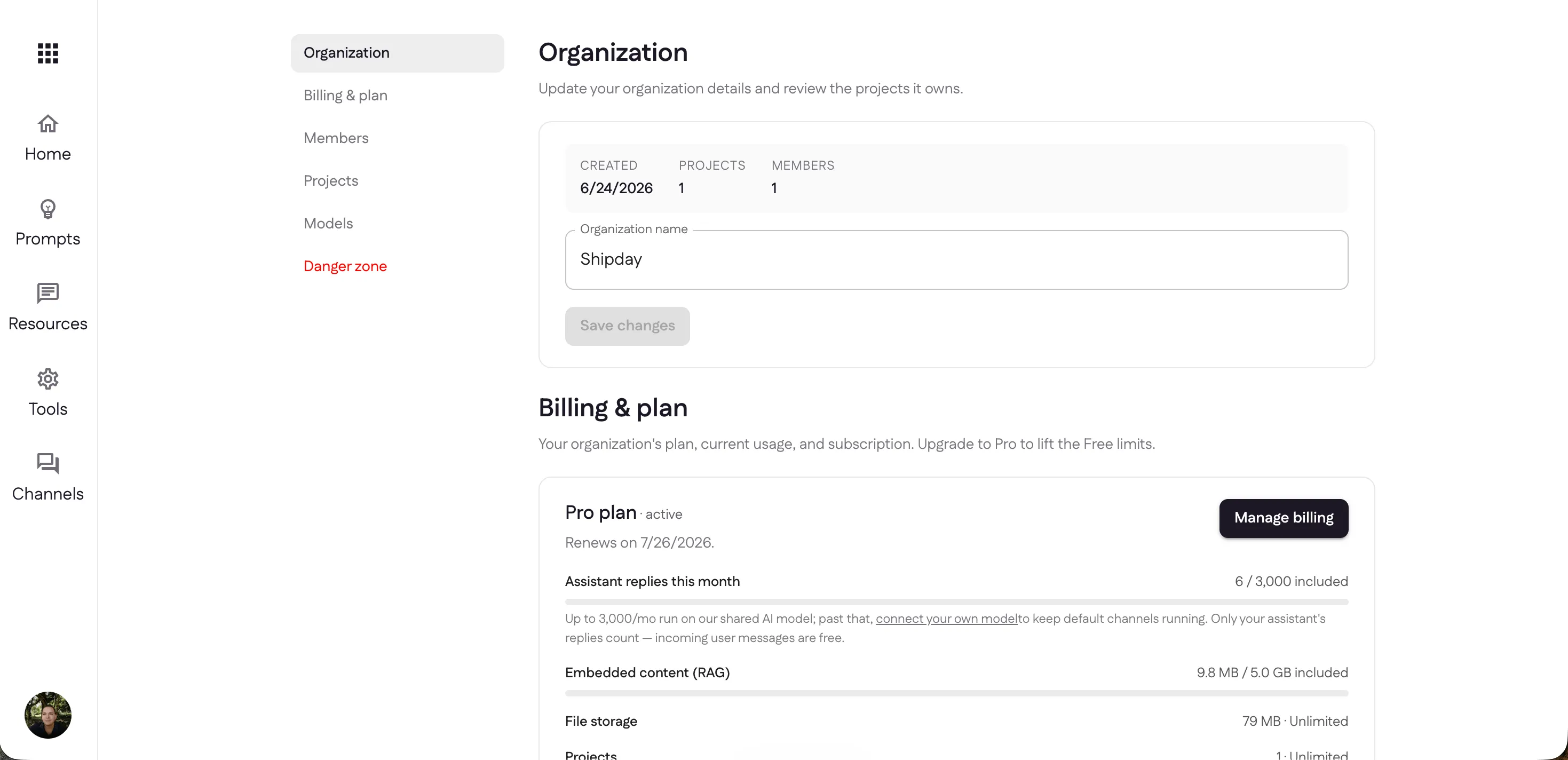
The Organization section shows when it was created, how many projects and members it has, and lets you rename it. Just below, Billing & plan shows your current plan and renewal date, plus usage against your allowance — assistant replies, embedded (RAG) storage, file storage, and projects. Only your assistant’s replies count toward billing; incoming user messages are free.
Members & projects
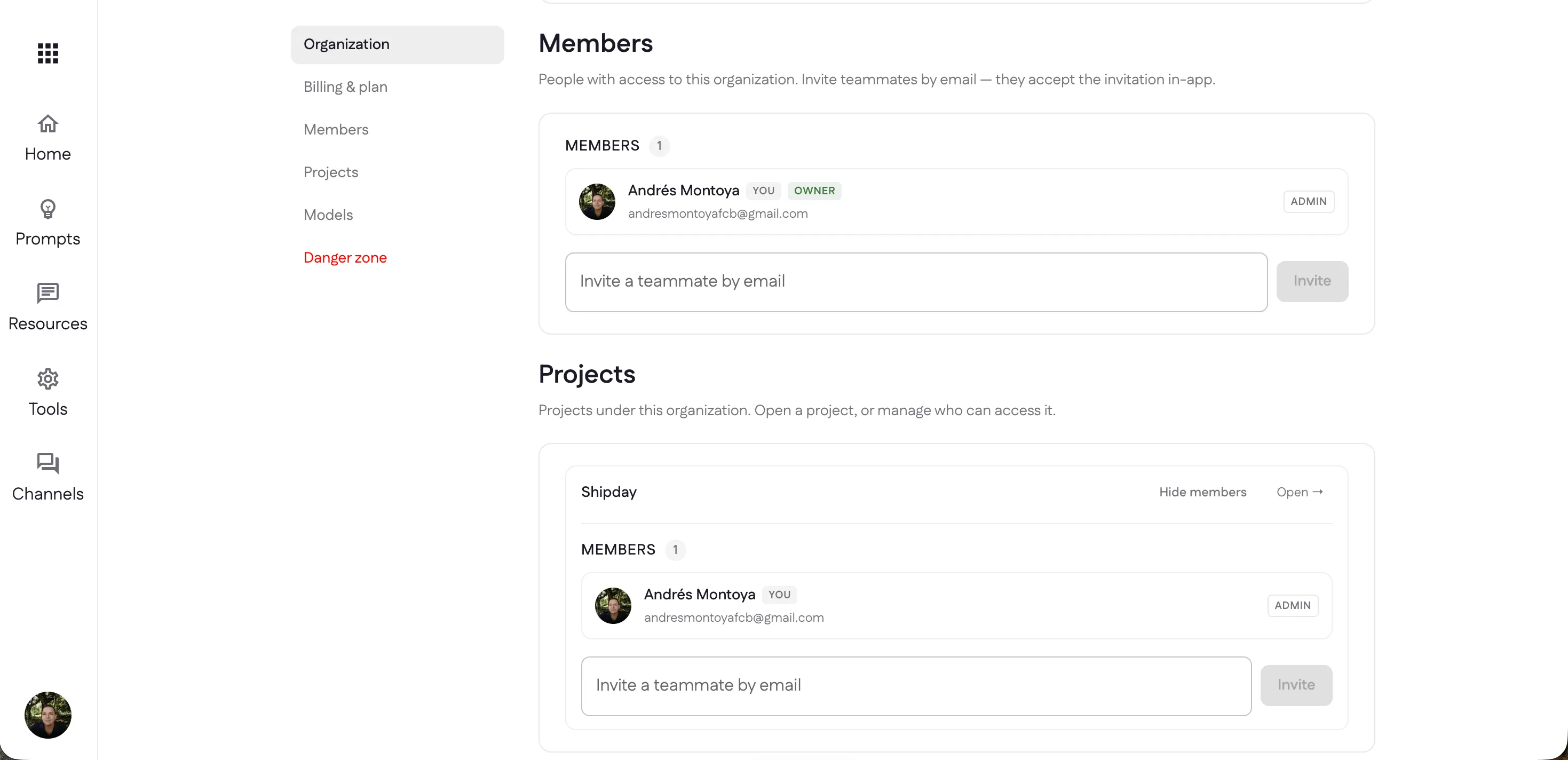
Invite teammates to the organization by email — they accept the invitation in-app — and give them a role. Each project has its own member list too, so you can control exactly who can access which project.
Language models
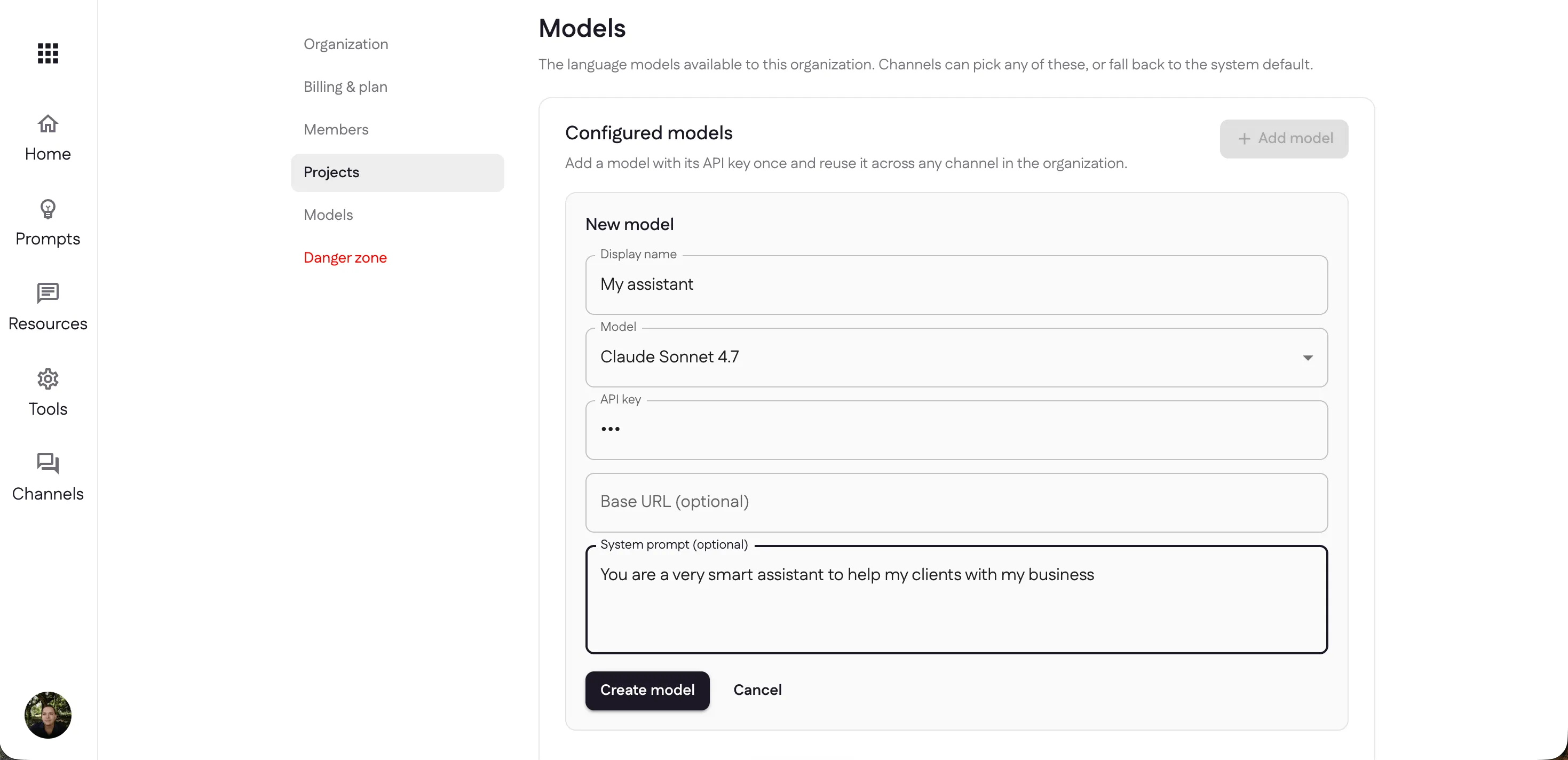
By default your channels use the system model, but you can bring your own. Under Models, select Add model, give it a display name, choose the model (like Claude Sonnet 4.7), and paste your API key — with an optional base URL and system prompt. Add it once and reuse it across any channel in the organization.
Danger zone
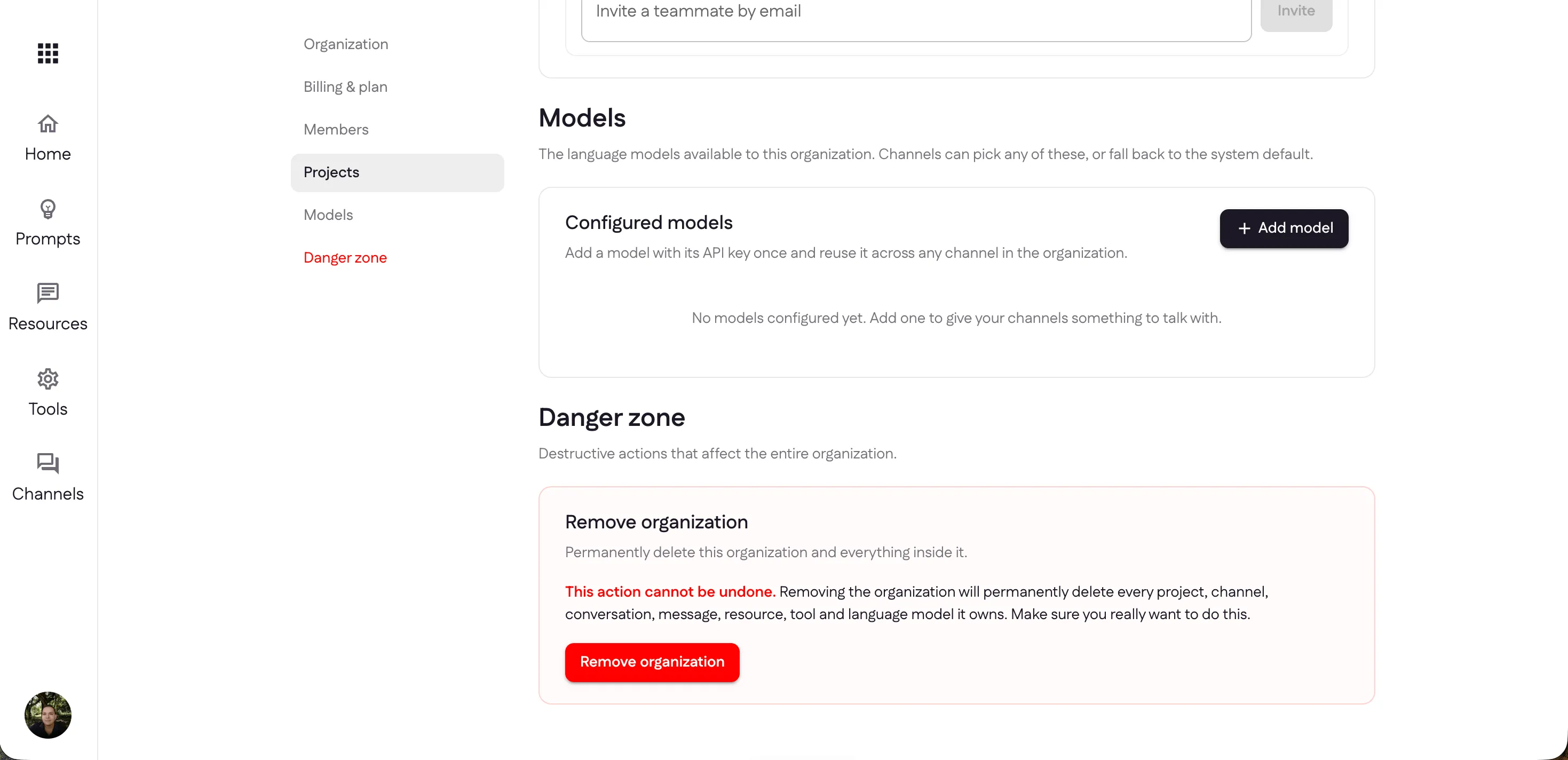
The Danger zone holds destructive, organization-wide actions. Remove organization permanently deletes the organization and everything inside it — every project, channel, conversation, message, resource, tool, and model. It can’t be undone, so it asks you to confirm.
Next: open a channel to go live.
Last updated